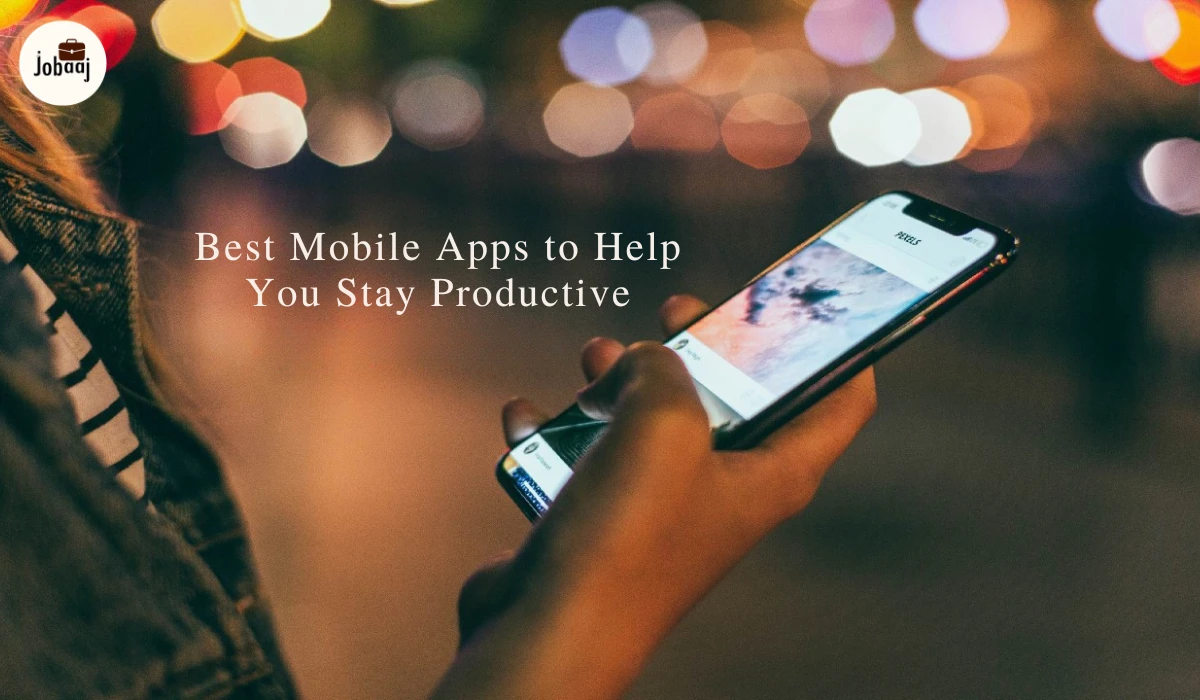
Let's be honest - staying productive in 2026 isn't about working harder. It's about having the right tools in your pocket that actually make your life easier. Your smartphone can either be your biggest distraction or your most powerful productivity partner.
The good news? There are some incredible apps out there that can genuinely transform how you work, study, or manage your daily life. Let's dive into the best ones that are actually worth your time.
Why These Apps Actually Matter
Look, we've all downloaded productivity apps that promised to change our lives, only to abandon them a week later. The difference now is that apps have gotten smarter. They use AI to understand how you work, they sync across all your devices seamlessly, and they're actually designed to be used on the go.
The best part? These apps handle all the boring organizational stuff so you can focus on what actually matters - whether that's crushing your work projects, acing your exams, or just remembering to buy groceries without making fifteen trips to the store.
1. Todoist: Your Smart To-Do List
Todoist is like having a super organized friend who never forgets anything. You can literally type "coffee with Sarah tomorrow at 3pm" and it just gets it. No clicking through a bunch of menus.
What makes it great:
- Natural language understanding (just type like you talk)
- Color-coded priorities so you know what's urgent
- Syncs everywhere - your phone, laptop, even your smartwatch
- Karma points that gamify getting stuff done
The app learns your patterns and actually suggests what you should tackle first. It's surprisingly satisfying to see your productivity score go up.
2. TickTick: The All-Rounder
If you want everything in one place, TickTick is your app. It's got a built-in Pomodoro timer, habit tracker, and calendar. No need to juggle five different apps.
The widget is fantastic - you can see your day at a glance right from your home screen. Plus, you can share lists with your roommate, partner, or team, which saves so many "did you remember to..." texts.
3. Microsoft To Do: Simple and Free
Sometimes you don't need all the bells and whistles. Microsoft To Do keeps things beautifully simple with its "My Day" feature that asks you each morning: what do you want to focus on today?
If you use Outlook for email, flagged emails automatically become tasks. It's these little integrations that save you tons of time without you even noticing.
4. Toggl Track: Know Where Your Time Actually Goes
Ever wonder where your day went? Toggl Track shows you exactly how you spend your time. One tap to start, one tap to stop. That's it.
The reports are eye-opening. You might think you're spending two hours on that project, but Toggl will show you it's actually four. This awareness alone can double your productivity.
5. Forest: Stop Scrolling, Start Focusing
Here's a brilliant idea: when you need to focus, you plant a virtual tree. Stay off your phone and it grows. Check Instagram and it dies. Simple psychology, but it works incredibly well.
The best part? Your virtual coins plant real trees around the world. You're literally making the planet greener while getting your work done.
6. Freedom: Block Your Distractions
Freedom is the nuclear option for when you really need to lock in. It blocks whatever apps or websites you choose across all your devices at once.
You can schedule blocking sessions ahead of time, like "block social media every weekday from 9am to 5pm." The locked mode means you can't chicken out mid-session. Sometimes we need to protect ourselves from ourselves.
7. Notion: Your Digital Everything
Notion is like a blank canvas where you can build whatever system you need. Notes, databases, wikis, project boards - it all lives in one place.
The learning curve exists, but the template gallery makes it way easier. Just grab a template for meeting notes, a content calendar, or whatever you need, and customize from there. The AI features in 2026 are seriously good at helping you write and organize faster.
8. Evernote: Still Going Strong
Evernote has been around forever for a reason. The web clipper alone is worth it - save articles, recipes, or research with one click. The search is powerful enough to find text in images and handwritten notes.
It's reliable, it's stable, and it just works. Sometimes that's exactly what you need.
9. Obsidian: For the Knowledge Nerds
If you love connecting ideas and building a "second brain," Obsidian is incredible. It shows you a graph of how all your notes link together, which is oddly addictive.
Your notes are saved as plain text files on your device, so you own your data forever. The community has built thousands of plugins that add features like calendars, kanban boards, and more.
10. Spark: Smart Inbox
Spark automatically sorts your email into what's important, what's just notifications, and what's newsletters. Important emails show up first without you lifting a finger.
Quick replies and email templates save you from typing the same thing over and over. The team features let you discuss emails privately or write drafts together, which is surprisingly useful.
11. Gmail: Gets Better Every Year
The official Gmail app keeps improving with smart features like predictive text that finishes your sentences and one-tap replies for quick messages.
The integration with Google Chat and Meet means you can message or video call without switching apps. It's all right there.
12. Fantastical: Natural Language Magic
Type "Lunch next Tuesday at noon" and Fantastical creates the event automatically. It's so much faster than tapping through date pickers.
The interface is beautiful and shows weather forecasts alongside your schedule. You can join video calls directly from calendar events, which eliminates that frantic searching for Zoom links.
13. Google Calendar: Free and Reliable
Google Calendar does everything most people need without costing a penny. The Goals feature is clever - tell it you want to exercise three times a week, and it automatically finds time slots that work.
Time insights show you if you're spending too much time in meetings versus actually getting work done. Sometimes seeing the data is the wake-up call you need.
14. Asana: Team Organization Made Easy
Asana breaks big projects into smaller tasks that don't feel overwhelming. You can view your work as lists, boards, timelines, or calendars - whatever makes sense for your brain.
The automation is seriously helpful. Set up rules like "when this task is completed, automatically assign the next one to Sarah." Less busywork for everyone.
15. Trello: Visual and Simple
Trello's boards and cards are perfect if you're a visual person. Drag cards from "To Do" to "Doing" to "Done." It's satisfying and makes progress feel tangible.
Power-Ups add features like calendar views and automation without cluttering the simple interface. It's easy enough for anyone to use, even if they're not tech-savvy.
16. Microsoft Lens: Your Pocket Scanner
Point your camera at a document, receipt, or whiteboard and Microsoft Lens makes it look professional. It straightens, enhances, and can even extract text you can edit.
Scan business cards and it pulls out the contact info. Scan whiteboards after meetings instead of copying everything down. It's one of those tools you don't realize you need until you have it.
17. Adobe Scan: Professional Quality
Adobe Scan creates searchable PDFs from anything you photograph. The text recognition is excellent, which means you can search through scanned documents like they're digital files.
Unlimited free scanning with OCR included. No catch, just genuinely useful technology.
18. Pocket: Read When You Have Time
Found an interesting article but don't have time right now? Save it to Pocket. The app strips away ads and clutter so you can actually focus on reading.
Download articles for offline reading on flights or subway rides. The text-to-speech feature lets you listen while cooking or commuting.
19. Blinkist: Books in 15 Minutes
Blinkist condenses non-fiction books into 15-minute summaries. It's perfect for exploring topics quickly or deciding if you want to read the full book.
Listen to summaries during your commute and you can get through a book's key ideas every few days. It's like mainlining knowledge.
20. YNAB: Budget Like a Pro
YNAB teaches you to give every dollar a job before you spend it. This proactive approach to budgeting actually changes how you think about money.
It syncs with your bank accounts so you always know exactly where you stand financially. The app has a learning curve, but people swear it's life-changing.
21. Splitwise: Split Bills Without Awkwardness
Roommates? Friends who travel together? Splitwise tracks who owes what and simplifies everything into one payment.
Integration with Venmo and PayPal means settling up takes seconds. No more spreadsheets or awkward money conversations.
22. Otter.ai: AI Transcription Magic
Otter transcribes meetings, lectures, and conversations in real-time with scary-good accuracy. It even identifies different speakers.
Instead of frantically taking notes, you can actually pay attention during meetings. Search the transcript later to find that one important thing someone said.
Building Your System
The magic happens when your apps work together. Your calendar talks to your task manager. Your notes link to your projects. Everything syncs seamlessly.
A solid basic setup might be:
- Todoist or TickTick for tasks
- Google Calendar for scheduling
- Notion or Evernote for notes
- Forest or Freedom for focus
Add tools as you discover specific needs. Maybe you realize you need better time tracking, or you want to build exercise habits. Your system should grow with you.
Conclusion
The right apps won't magically make you productive, but they'll remove a ton of friction from your day. You'll spend less mental energy remembering things and more energy actually doing them.
Start simple, be patient with yourself while building new habits, and don't be afraid to switch apps if something isn't working. These tools should make you feel more in control, not more stressed.
Pick one or two apps from this list, actually set them up properly, and give them a real shot for a couple weeks.
FAQs
In 2026, top productivity apps include Trello, Notion, Forest, RescueTime, and Todoist. These apps help streamline task management, improve focus, and boost time efficiency, making them essential tools for staying productive in both professional and personal life.
Trello enhances productivity by providing a visual task management system with boards, lists, and cards. It helps users stay organized, track progress, and collaborate seamlessly, making it one of the best mobile apps for productivity in 2026.
Yes, Notion is a versatile productivity tool that allows seamless team collaboration. It enables users to create shared documents, track progress, and manage tasks, making it one of the best apps for boosting productivity in 2026.
Forest stands out by gamifying productivity. It helps you stay focused and productive by allowing you to plant virtual trees as you work. The more time you focus, the more your virtual forest grows, encouraging sustained concentration and productivity.
RescueTime tracks your digital habits and provides insights on time usage. By identifying distractions and time-wasting apps, it helps optimize your schedule, making it a powerful productivity tool to manage time and increase focus effectively in 2026.