
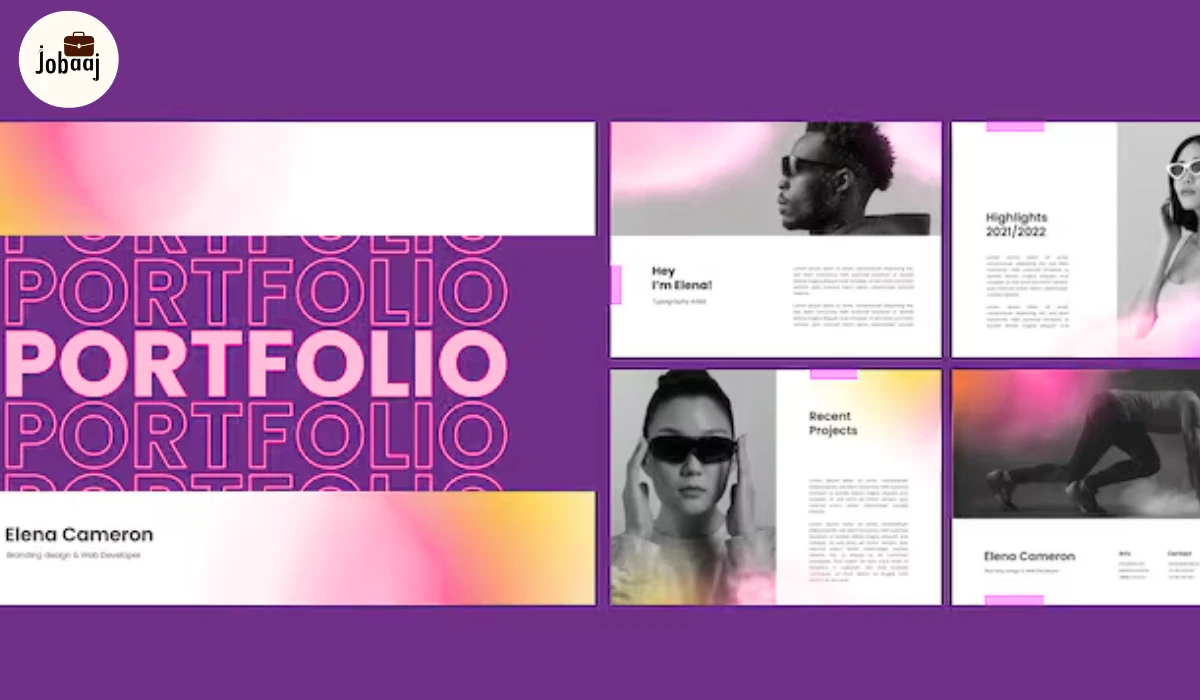
If you’re a designer whether aiming for UI/UX, product design, graphic design, or creative roles your portfolio is more than a collection of pretty images. It’s your story, your problem-solving ability, and your value as a professional.
Recruiters and hiring managers aren’t just interested in polished visuals they want to see how you think, how you approach challenges, and how your work impacts users and business outcomes. A strong portfolio tells your story, demonstrates your skills, and helps you stand out in a competitive design market.
In this guide, we’ll cover everything you need to create a compelling portfolio, including curating projects, showing process, presentation tips, real examples, before/after case studies, and strategies for landing your dream job
Why a Portfolio Matters More Than Your Resume
Your resume lists degrees, certifications, and work experience, but it cannot show your design thinking. Your portfolio:
- Shows your problem-solving in action
- Demonstrates ability to handle real-world constraints
- Highlights technical skills, software proficiency, and creative solutions
- Provides tangible evidence of how your work improves user experience or business metrics
Example: Two candidates have similar resumes, but the one with a portfolio that shows impactful case studies and design process documentation will likely get the interview.
Step 1: Define Your Portfolio Goals
Before creating your portfolio, clarify:
- Role Targeting: Are you applying for UI/UX, product design, motion graphics, or visual design?
- Audience: Recruiters, creative directors, product teams, or clients?
- Skills to Highlight: User research, wireframing, prototyping, visual design, or storytelling?
A clear goal ensures your portfolio is focused and impactful rather than scattered.
Step 2: Curate Meaningful Projects
Quality is more important than quantity. Include 5–7 strong projects showing breadth and depth:
- Personal Projects: Side projects demonstrate initiative and creativity, like redesigning a popular app or conceptualizing a new product.
- Professional Work / Internships: Highlights real-world experience, deadlines, and collaboration.
- Freelance Projects: Shows client communication, delivery, and impact.
- Mini Case Studies: Include before/after scenarios to demonstrate measurable improvements.
Example Before/After Case Study:
- Before: An onboarding flow for an app had a 40% drop-off rate due to unclear instructions.
- After: Redesigned the flow with clearer steps, interactive tooltips, and simplified forms. Result: drop-offs reduced by 20%, user satisfaction increased.
Step 3: Show Your Design Process
Your process is often more valuable than the final design. For each project, include:
- Problem Statement: Define the challenge clearly
- Research & Insights: Include personas, surveys, or competitive analysis
- Ideation & Sketching: Wireframes, brainstorming, and concept exploration
- Execution: Mockups, prototypes, and visual assets
- Iteration & Feedback: Explain changes after testing or reviews
- Impact / Results: Metrics, user engagement, or business outcomes
Narrate your process. Explain your decisions and demonstrate intentionality.
Step 4: Build Your Portfolio Presentation
- Platform: Personal website, Behance, Dribbble, Adobe Portfolio, or Notion.
- Design: Minimalist, consistent typography, cohesive color palette.
- Navigation: Projects organized by type (UI, UX, graphic) or client.
- Context: Include your role, tools used, and impact for each project.
- Accessibility: Mobile-friendly and fast-loading.
Real Example (Descriptive, No Personal Data):
- Project: Redesign of a travel booking app
- Role: UI/UX designer
- Tools: Figma, Sketch
- Outcome: Improved booking flow; analytics showed 25% higher conversions in prototype testing
Step 5: Include Personal Brand Elements
- Professional Bio: Share your design philosophy, strengths, and journey.
- Personality & Style: Let your portfolio reflect your creativity and approach.
- Social Proof: Links to LinkedIn, Behance, or GitHub.
- Blog / Thought Leadership: Optional, but demonstrates expertise and communication skills.
Step 6: Common Portfolio Mistakes to Avoid
- Too Many Projects: Focus on the most impactful work.
- No Process Explanation: Recruiters want context, not just visuals.
- Inconsistent Design: Maintain typography, spacing, and color harmony.
- Outdated Work: Update your portfolio regularly to reflect growth.
- Ignoring Storytelling: Each project should tell a complete story from problem to solution.
Step 7: Real Examples & Before/After Case Studies
Incorporate mini case studies to demonstrate measurable impact:
- Example 1:
- Problem: Low engagement in a learning app
- Solution: Gamification features like badges and leaderboards
- Result: 30% increase in daily active users
- Example 2:
- Problem: Confusing navigation in a productivity tool
- Solution: Redesigned information architecture
- Result: 40% fewer support tickets, improved usability scores
These before/after stories make your portfolio memorable and persuasive.
Step 8: Using Infographics and Visual Storytelling
Visual aids help communicate your process quickly:
- Portfolio Structure Diagram: Shows project types, stages, and tools
- Workflow Visuals: Maps problem → ideation → prototype → final design
- Metrics & Impact Charts: Highlight measurable improvements
Tip: A single, well-designed infographic can communicate more than paragraphs of text, improving engagement and SEO value.
Step 9: Using Your Portfolio to Land Your Dream Job
- Tailor Applications: Highlight projects relevant to the role.
- Practice Presenting Case Studies: Walk recruiters through your process confidently.
- Network Actively: Share your portfolio with mentors, peers, and online communities.
- Include Metrics & Testimonials: Quantitative impact and client/colleague quotes add credibility.
- Iterate Continuously: Treat your portfolio as a living product that reflects growth.
Conclusion
A design portfolio is your career story. It’s a tool to show how you think, solve problems, and create impact. By curating meaningful projects, showcasing your process, using real-world examples, before/after case studies, and visually rich infographics, you can stand out to recruiters and land your dream design role.
Remember: Your portfolio evolves with your career. Keep refining it, telling your story, and demonstrating your value. That’s how you move from being another applicant to a designer who gets noticed and hired.
FAQs
Include 5–7 strong projects, showing problem statements, design process, ideation, iterations, final designs, and measurable impact or results.
Both are valuable. Personal projects demonstrate initiative and creativity, while work and internships show collaboration and real-world experience.
Include research, sketches, wireframes, prototypes, iterations, and explain your decisions to demonstrate problem-solving and design thinking.
Personal websites, Behance, Dribbble, Adobe Portfolio, or Notion are popular. Ensure clean design, easy navigation, and mobile-friendliness.
Include case studies, before/after examples, metrics, infographics, storytelling, and testimonials to show impact, process, and results clearly.