Coding is no longer just about writing lines of code.
A modern developer needs to plan, build, test, debug, collaborate, deploy, and sometimes even understand design, APIs, cloud, security, and AI.
That is why tools matter.
The right tools do not make you a good developer automatically. That is the first thing students should understand. A weak developer with expensive tools is still a weak developer.
But the right tools can help you work faster, avoid mistakes, build better projects, and look more professional during internships, freelance work, and interviews.
If you are a student exploring creative career options, software development is one of the best fields to enter because it connects logic with creativity. You can build apps, websites, games, dashboards, AI tools, SaaS products, automation systems, and digital experiences.
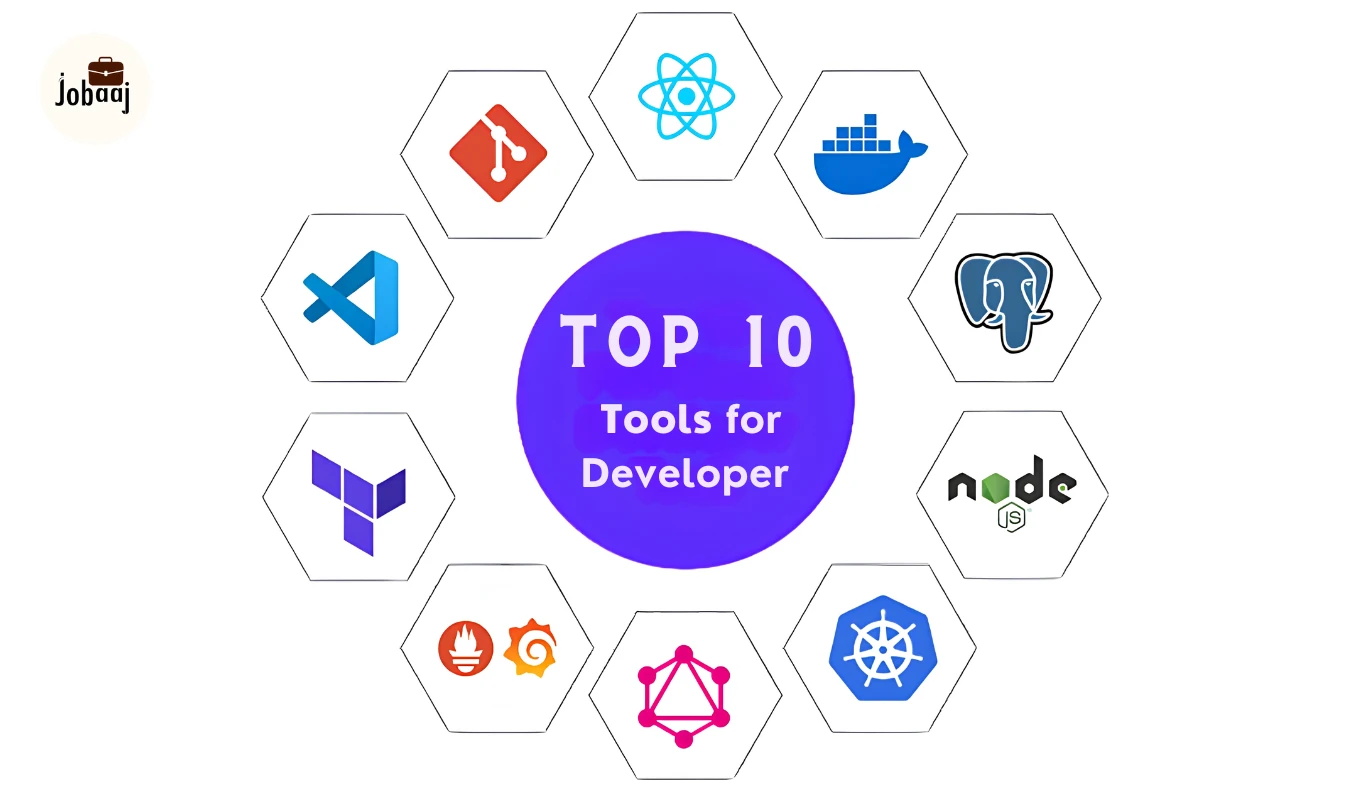
This blog covers the top 10 tools for developers in 2026, why they matter, who should learn them, and how they can help your career.
Why Developer Tools Matter Today
Earlier, developers mainly needed a code editor and basic programming knowledge.
Now the work is different.
A developer may need to:
- Write clean code
- Use AI coding assistants
- Manage projects on GitHub
- Test APIs
- Work with databases
- Build user interfaces
- Understand designs from Figma
- Create containers with Docker
- Deploy apps online
- Collaborate with teams
- Track bugs and tasks
This is why learning developer tools early gives students a serious advantage.
It helps you move from “I know coding” to “I can build and ship a working product.”
That difference matters in the job market.
Top 10 Tools for Developers
1. Visual Studio Code
Visual Studio Code, usually called VS Code, is one of the most popular code editors for developers.
It is lightweight, flexible, beginner-friendly, and powerful enough for professional work.
You can use it for HTML, CSS, JavaScript, Python, Java, C++, React, Node.js, Flutter, SQL, and many other technologies.
Why Developers Use It
VS Code gives you a clean place to write, edit, debug, and organize code.
It also supports extensions, which means you can add extra features based on your needs.
For example, you can install extensions for:
- Python
- JavaScript
- React
- Git
- Docker
- Prettier
- ESLint
- Live Server
- Database clients
- AI coding assistants
This makes VS Code useful for almost every type of developer.
2. GitHub
GitHub is a platform where developers store, manage, and share code.
It is built around Git, which is a version control system.
In simple words, GitHub helps you save different versions of your code and collaborate with other people.
Developers use GitHub to:
- Upload projects
- Track code changes
- Work with teams
- Create branches
- Review code
- Manage issues
- Host open-source projects
- Show their portfolio
- Automate workflows with GitHub Actions
If you want to be taken seriously as a developer, you need a GitHub profile.
3. Git
Git is a version control tool.
It tracks changes in your code so you can go back to older versions when needed.
GitHub is the online platform. Git is the actual version control system.
Why Developers Use It
Developers use Git because real projects change every day.
You may add a feature today, break something tomorrow, and need to return to yesterday’s working version.
Git makes that possible.
It also allows multiple developers to work on the same project without destroying each other’s code.
Important Git Commands to Learn
- git init
- git clone
- git status
- git add
- git commit
- git push
- git pull
- git branch
- git checkout
- git merge
You do not need to learn every command at the start.
But you should know the basics.
4. GitHub Copilot
GitHub Copilot is an AI coding assistant.
It can suggest code, explain code, help with debugging, generate functions, write tests, and assist while you work inside your editor.
Why Developers Use It
Developers use AI tools to speed up repetitive coding work.
Copilot can help with:
- Writing boilerplate code
- Understanding unfamiliar code
- Creating test cases
- Fixing small errors
- Generating code from comments
- Refactoring code
- Explaining complex functions
But there is a warning.
You should not blindly trust AI-generated code.
AI can produce wrong, insecure, or incomplete code. A good developer still needs to read, test, and understand everything.
5. Cursor
Cursor is an AI-first code editor.
It feels similar to VS Code but is designed with AI deeply built into the coding workflow.
It can understand your codebase, suggest changes, edit multiple files, and help with larger development tasks.
Why Developers Use It
Developers use Cursor when they want AI to work more closely with their project.
It can help with:
- Codebase understanding
- Multi-file edits
- AI-assisted debugging
- Feature building
- Refactoring
- Explaining project structure
- Generating code with project context
This makes it useful for developers working on bigger projects.
Cursor vs GitHub Copilot
GitHub Copilot works well as an AI assistant inside common editors.
Cursor is more like an AI-native coding environment.
For beginners, VS Code plus Copilot may be enough.
For students building serious projects, Cursor can be useful once they understand coding basics.
Best For
- AI-assisted development
- Full stack projects
- Startup prototypes
- Students building advanced projects
- Developers working with large codebases
6. Postman
Postman is a tool used for API testing and API development.
APIs allow different software systems to talk to each other.
For example, a food delivery app may use APIs for login, payments, restaurant listings, order tracking, and notifications.
Why Developers Use It
Backend developers, frontend developers, testers, and product teams use Postman to check whether APIs are working properly.
With Postman, you can:
- Send API requests
- Check API responses
- Test login flows
- Validate status codes
- Save API collections
- Share API documentation
- Automate API testing
7. Docker
Docker is a tool that helps developers package applications into containers.
A container includes the app code, dependencies, settings, and environment needed to run the application.
In simple words, Docker helps solve the common developer problem:
“It works on my laptop but not on your system.”
Why Developers Use It
Docker makes applications easier to run across different machines and environments.
Developers use Docker for:
- Local development
- Microservices
- Testing
- Deployment
- DevOps workflows
- Cloud-ready applications
- Team consistency
If one developer uses Windows, another uses Mac, and another uses Linux, Docker can help them run the same project setup more easily.
8. Figma
Figma is a design and collaboration tool used by UI/UX designers.
But developers also use it because many frontend projects start from Figma designs.
A designer creates the screen layout. A developer turns it into code.
Developers use Figma to inspect design details like:
- Spacing
- Colors
- Fonts
- Assets
- Layout
- Components
- Responsive design
- CSS properties
Figma’s Dev Mode makes the design-to-code handoff easier.
It helps developers understand exactly what needs to be built.
9. Chrome DevTools
Chrome DevTools is a set of developer tools built into the Google Chrome browser.
It helps you inspect, debug, and improve websites.
Why Developers Use It
Frontend developers use Chrome DevTools almost every day.
You can use it to:
- Inspect HTML and CSS
- Debug JavaScript
- Check console errors
- Test responsive design
- Analyze website performance
- View network requests
- Check local storage and cookies
- Understand page loading issues
10. Jira or Linear
Jira and Linear are project management tools used by software teams.
They help teams plan tasks, track bugs, manage sprints, and organize development work.
Why Developers Use It
In real companies, developers do not randomly start coding.
Work usually comes through tickets.
A ticket may include:
- Feature request
- Bug report
- User story
- Acceptance criteria
- Priority
- Deadline
- Assigned developer
- Status
Tools like Jira and Linear help teams stay organized.
Best Developer Tools by Career Path
1. Frontend Developer
- VS Code
- GitHub
- Git
- Figma
- Chrome DevTools
- Postman
- Vercel
2. Backend Developer
- VS Code
- GitHub
- Git
- Postman
- Docker
- Database tools
- Swagger
3. Full Stack Developer
- VS Code
- GitHub
- Git
- Postman
- Docker
- Figma
- Chrome DevTools
- Vercel or Firebase
4. App Developer
- VS Code or Android Studio
- GitHub
- Postman
- Firebase
- Figma
- Chrome DevTools for web apps
- Docker for advanced backend work
5. DevOps Engineer
- GitHub
- Docker
- Git
- CI/CD tools
- Cloud platforms
- Monitoring tools
- Linux terminal
6. AI Developer
- VS Code
- GitHub
- Git
- Cursor
- GitHub Copilot
- Python tools
- Docker
- API tools
FAQs
Beginner developers should start with VS Code, Git, GitHub, and Chrome DevTools. These tools help with writing code, tracking changes, uploading projects, and debugging websites. After learning the basics, students can add Postman, Figma, Docker, and AI coding tools like GitHub Copilot or Cursor.
Yes, VS Code is enough for most beginner and intermediate coding work. You can use it for web development, Python, JavaScript, React, Node.js, SQL, and many other technologies. Its extensions make it flexible. However, some fields may need specialized tools like Android Studio or IntelliJ IDEA.
Students can use AI coding tools, but they should not depend on them blindly. AI is useful for explanation, debugging, suggestions, and repetitive code. But students must understand the logic, test the output, and learn fundamentals. AI should support learning, not replace learning.
GitHub is one of the most important tools for job search because it shows proof of work. A clean GitHub profile with real projects, good README files, and proper code structure can support your resume. But you also need coding skills, problem-solving, and project explanation ability.
Yes, non-technical students can learn developer tools if they practice consistently. Start with simple web projects using VS Code, GitHub, and Chrome DevTools. Then learn APIs with Postman and basic design handoff with Figma. A strong project portfolio can help students from many backgrounds enter tech careers.